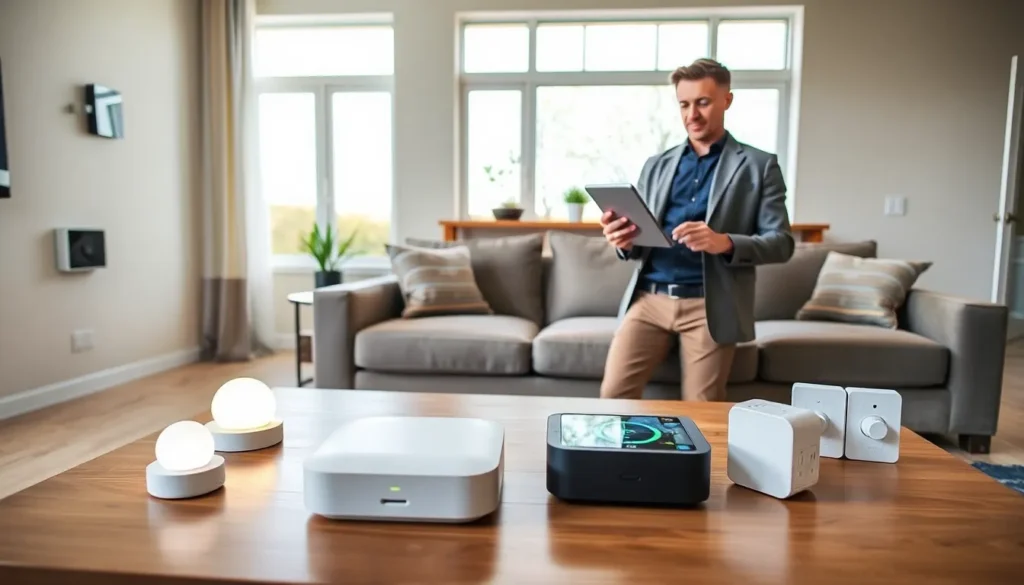
Imagine walking into your home and having the lights dim, the thermostat adjust, and your favorite playlist start just because you walked in the door. Sounds like magic, right? With DIY home automation, it’s not just a fantasy: it’s a reality waiting for you in the aisles of your local hardware store. Embracing home automation doesn’t have to feel overwhelming or expensive either – think of it as your very own tech-savvy adventure. This guide will take you through the basics, benefits, and essential components you need to get started. Buckle up, as we prepare to turn your home into a smart haven.
Understanding Home Automation Basics

Home automation revolves around controlling various devices within the home through a central system. This can range from simple tasks like controlling lighting and temperature to complex integrations with security and entertainment systems. At its core, the concept is all about enhancing convenience and efficiency. Think of a smart home as a symbiotic relationship between technology and daily living. Whether it’s a smart thermostat that learns your schedule or smart lights that adjust based on your mood, understanding these basics lays the groundwork for your journey.
Benefits of DIY Home Automation
Opting for a DIY approach to home automation comes with a plethora of benefits. First and foremost is cost savings. Hiring professionals can be pricey, but tackling the project yourself allows for more control over budget adjustments. Flexibility is another major perk: with DIY installations, homeowners can modify, expand, or scale back their setups anytime, as preferences or technologies evolve.
Also, the hands-on experience fosters a deeper understanding of home technology. This can pay dividends down the line, especially when troubleshooting issues or wanting to upgrade components. Finally, there’s a strong sense of accomplishment when successfully automating your own home. Who wouldn’t want to boast about their ability to make their home smarter, all while enjoying the sweet taste of independence?
Essential Components for DIY Home Automation
Embarking on a DIY home automation project requires some fundamental components. Here’s a checklist to get started:
- Smart Hub: This acts as the brain, connecting all devices together. Popular options include SmartThings or Hubitat.
- Smart Lights: Brands like Philips Hue or LIFX can turn your living space into a colorful atmospheric oasis.
- Smart Thermostat: Devices like the Nest or Ecobee will manage heating and cooling efficiently.
- Smart Plugs: These allow any traditional appliance to become ‘smart’ by controlling them via your smartphone.
- Security Cameras and Smart Locks: Enhancing home security has never been easier with products from Ring or Arlo.
Choosing the right components lays the foundation for a seamless smart home experience.
Step-by-Step Guide to Setting Up Your DIY Home Automation
Setting up a DIY home automation system can feel like creating a masterpiece. Here’s how to channel your inner tech artist:
Common DIY Home Automation Projects
Start with a focus on manageable projects that can inspire confidence. Smart lighting is often a favorite for beginners. Simply replace traditional bulbs with smart ones and connect them to your hub. Investigate into smart thermostats next: many come with user-friendly apps guiding you through installation.
Integrating Smart Devices
Once initial projects are complete, it’s time to integrate the devices. Group lights by rooms and create routines – dim the living room lights while watching a movie. Security measures can also be included by programming cameras to send alerts to your phone if strange motion is detected. The key here is experimenting with routines and settings, adjusting them to fit the rhythm of your lifestyle.
Troubleshooting and Maintenance Tips
No system is without quirks, and DIY home automation setups can require some troubleshooting from time to time. Start by ensuring devices are updated to the latest firmware. This can often resolve performance issues.
Check connections frequently: sometimes, a simple reconnect can work wonders. When it comes to maintenance, clean your smart devices occasionally to prevent dust build-up. Regularly evaluating how well your devices communicate with one another is also a smart strategy, ensuring everything is functioning as it should.